Start New Program
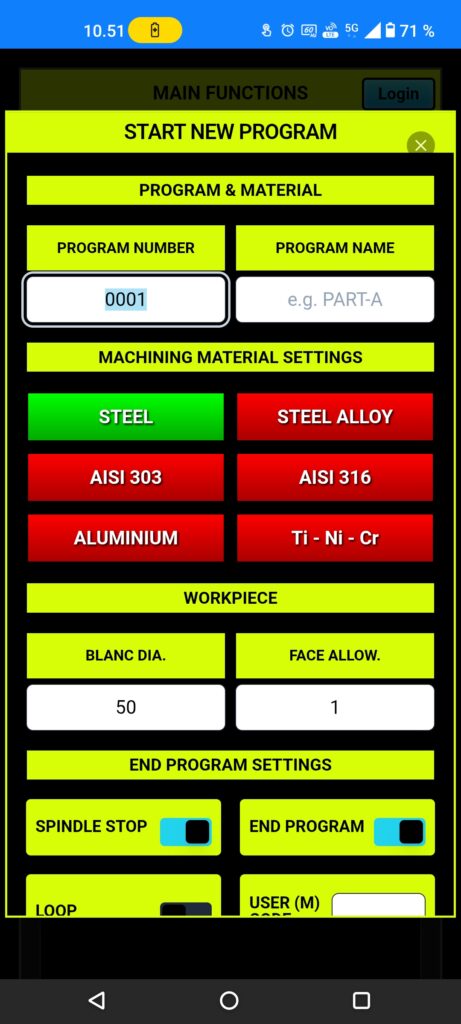
Push the Start button, page opening there you can start new program.
Put your (program number) in there, recommended to use 0001.
Next (program name) 1-16 letter or number, no special mark.
Choose materials closes to your machined material, App automatically setup speed and feed when it know to material.
Work Piece (blank dia.) is your machined material maximum diameter, next setup face allowance, how much you want to cut off from work piece to be sure it is straight face.
End program settings for how program work at the end, loop or end and reset.
Special end M code (user M code) can be set for some special functions.
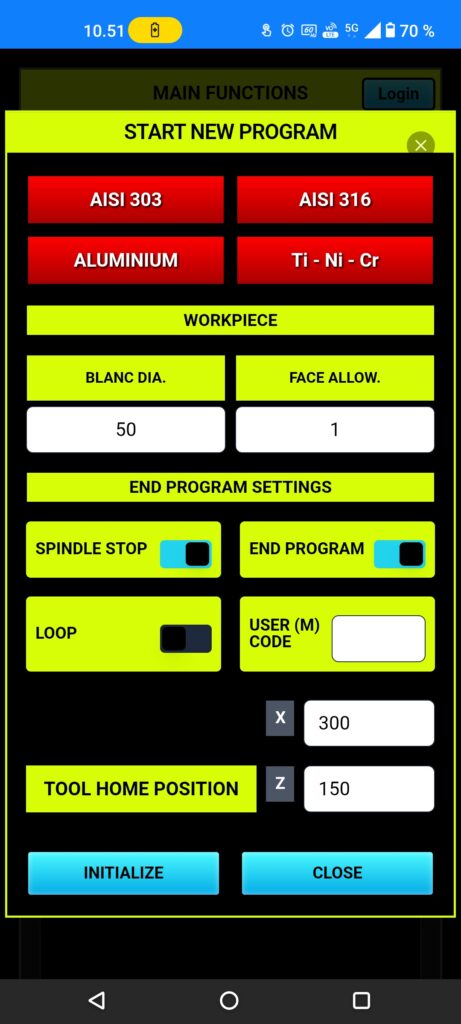
Tool home position setting, you can set it again if you need.
Then you only need to push (initialize) and setups are ready.